1. Measure a real spot
Use the phone light sensor where the leaves actually sit.
Android plant light meter
บันทึกตำแหน่งต้นไม้ เปรียบเทียบค่า lux และทำตามคำแนะนำดูแลที่เรียบง่าย
From a reading to plant care
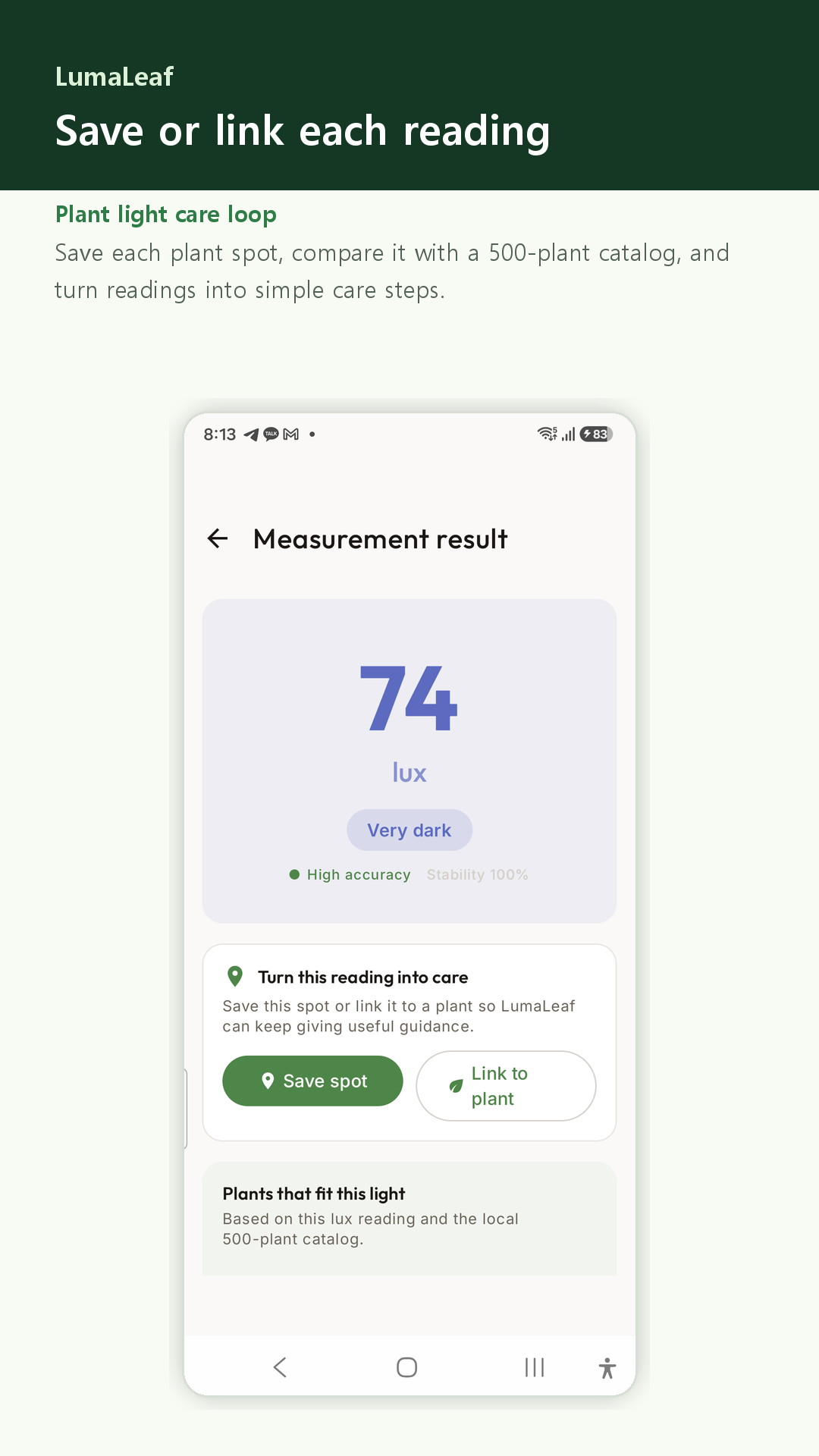
Start with the light at leaf level. Save the reading to compare places and keep a care record for your plant.
Use the phone light sensor where the leaves actually sit.
Store the location or connect the reading to an existing plant profile.
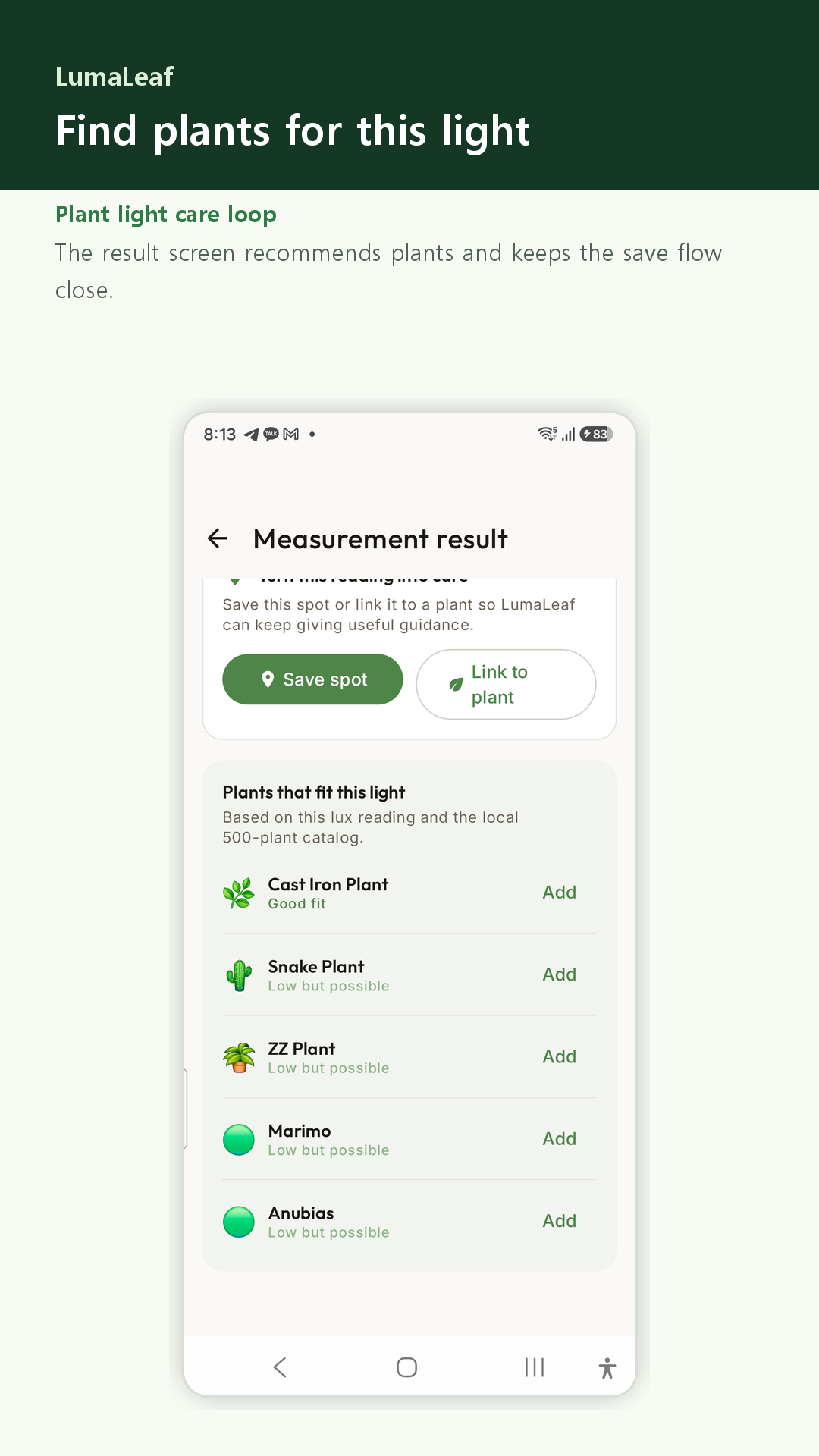
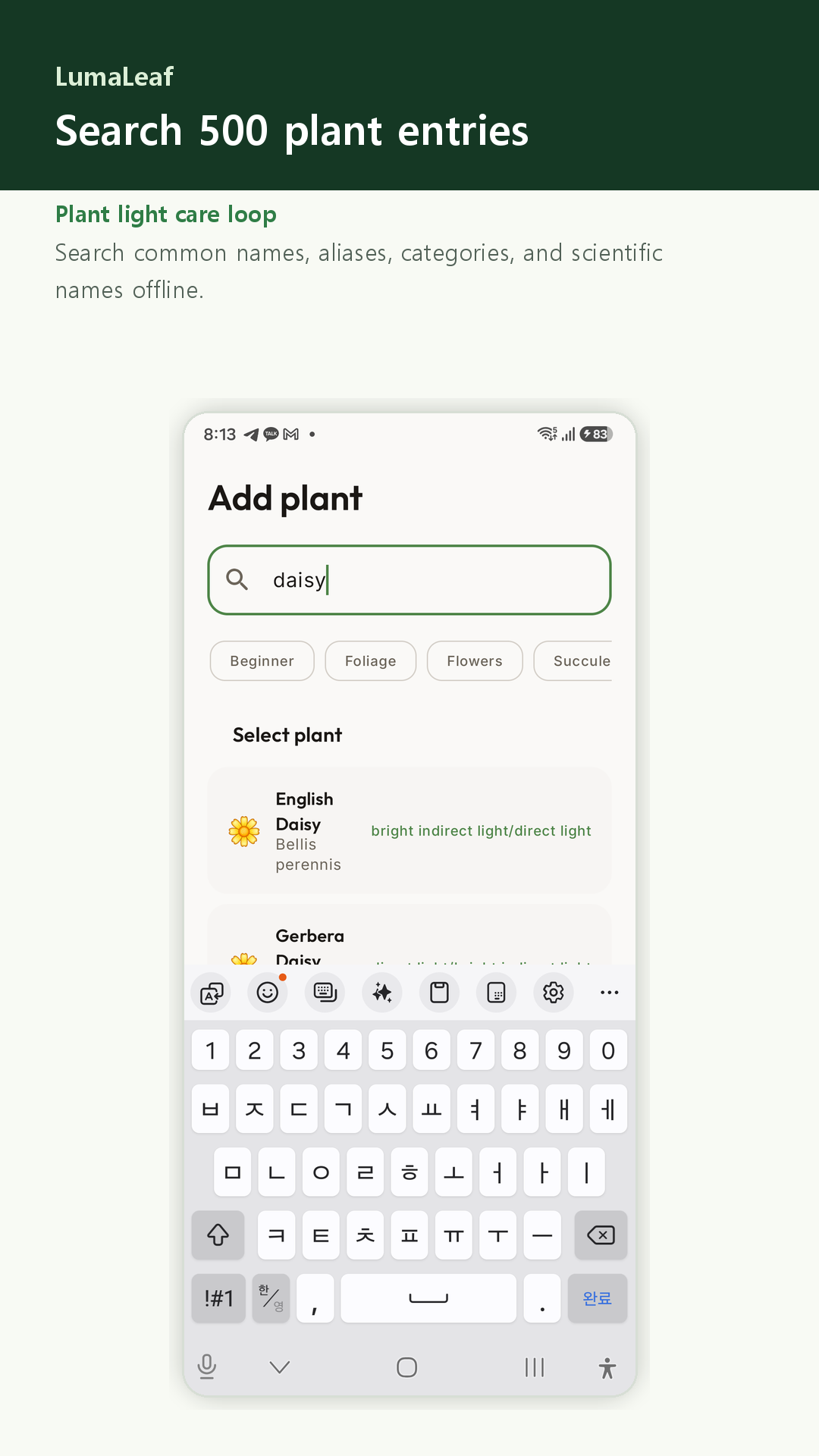
Browse suggestions from the 500-plant catalog, then check each plant’s care needs.
Guidance for everyday plant care
Light readings are a starting point. Check your plant, watering routine, and changes in light throughout the day.
Live lux readings require a phone with an ambient light sensor. Accuracy varies by device and angle.
Measure light and keep plant records without signing up. The app includes ads and optional premium purchases.
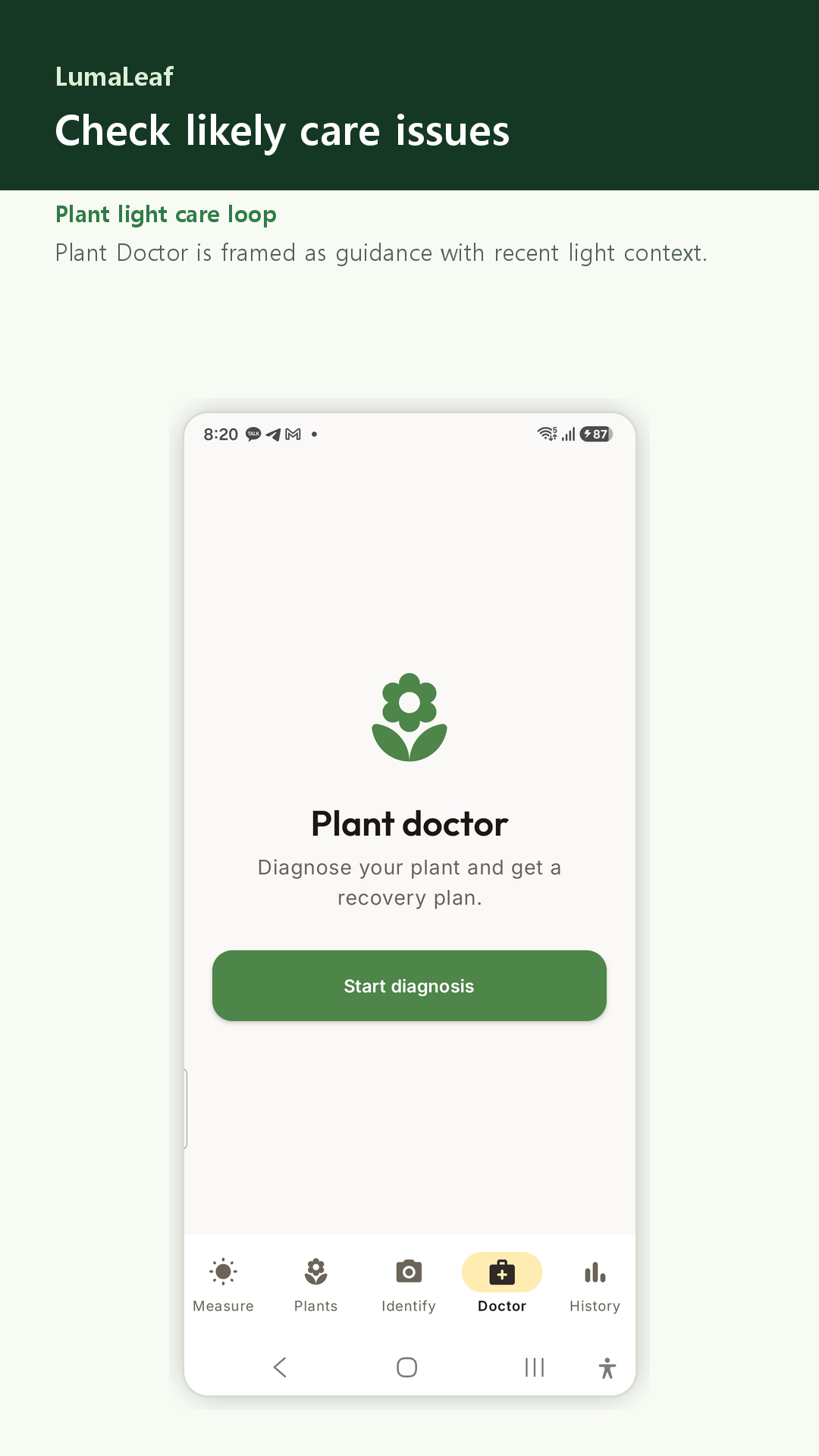
Plant Doctor suggests care steps from your answers and readings. For serious concerns, consult a qualified plant specialist.
No. LumaLeaf gives home plant care guidance from phone light sensor readings. Phone sensors vary, so use a dedicated meter when professional precision is required.
Yes. The measurement result can recommend plants from the local 500-entry catalog based on the current lux value.
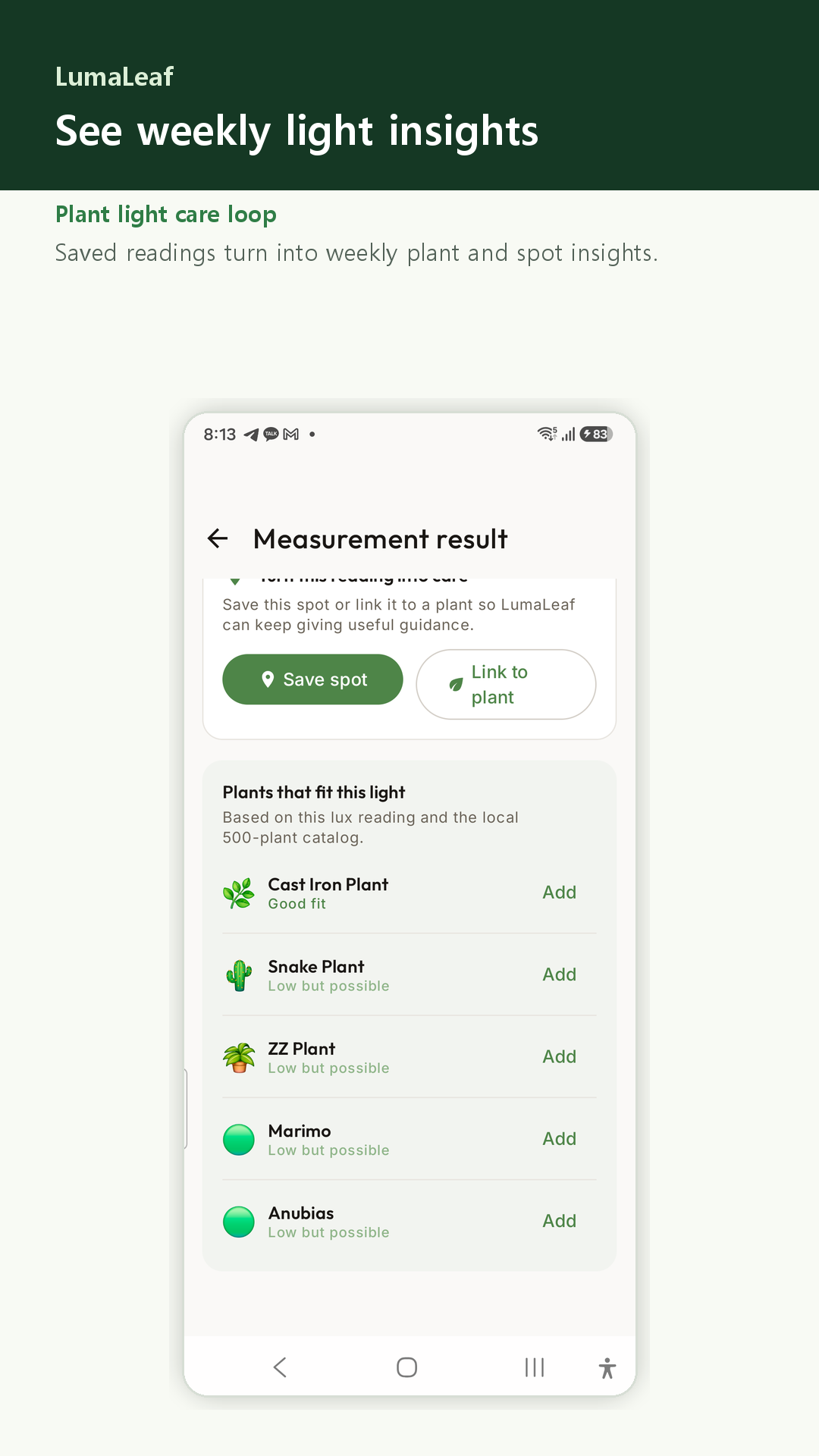
พืชที่เหมาะกับแสงนี้. ข้อมูลแสงประจำสัปดาห์.